Anyone can begin
Start with a verse, a topic, or a guided collection. Use support while you learn and move to unaided recall when you are ready.
 Hold the Word
Bible Memory
Always free
Free Bible memory for iPhone and iPad
A modern, thoughtfully designed Bible memory app for anyone who wants to know Scripture well. Practice with the support you need, test what you remember, and return to it over time—without ads, subscriptions, or paid feature gates.
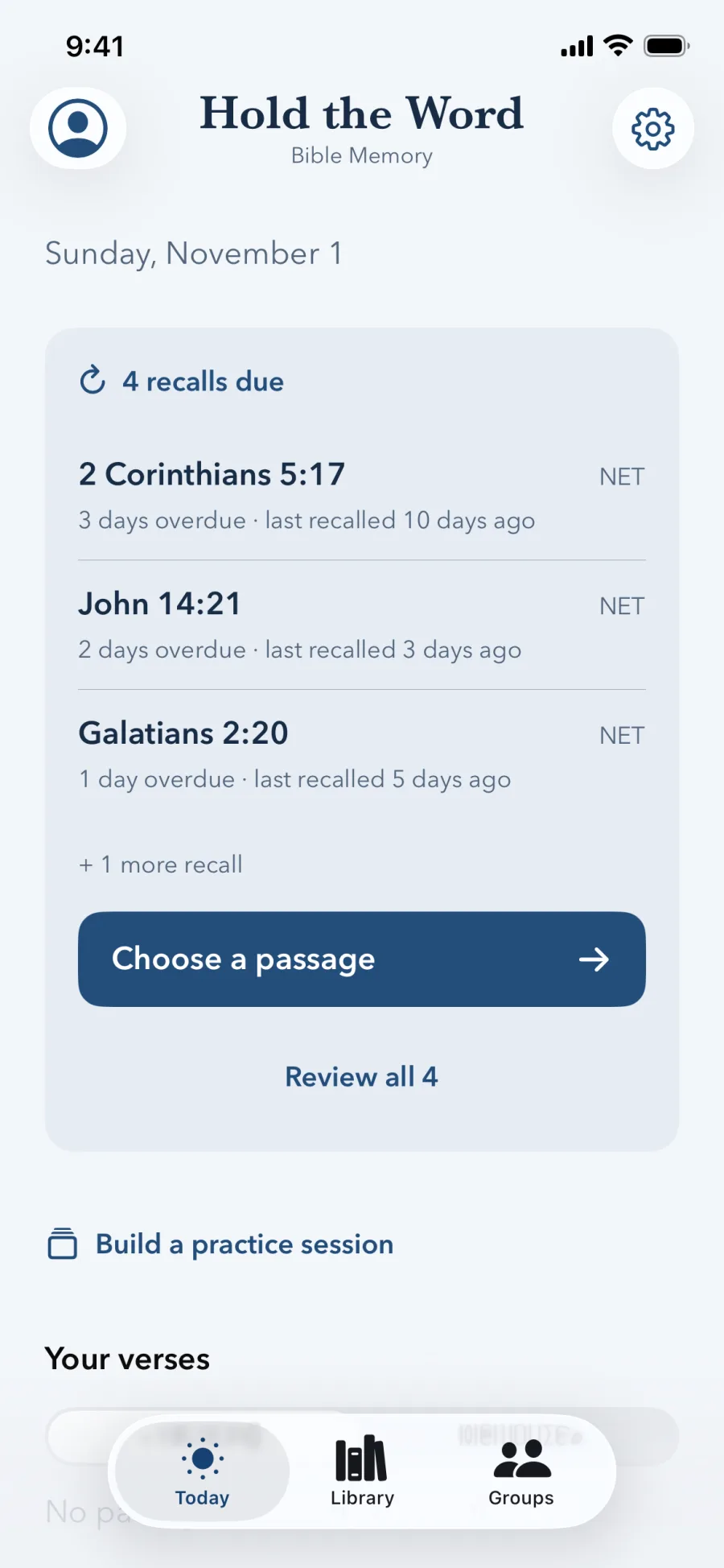
Bible memory for everyone
Start with a verse, a topic, or a guided collection. Use support while you learn and move to unaided recall when you are ready.
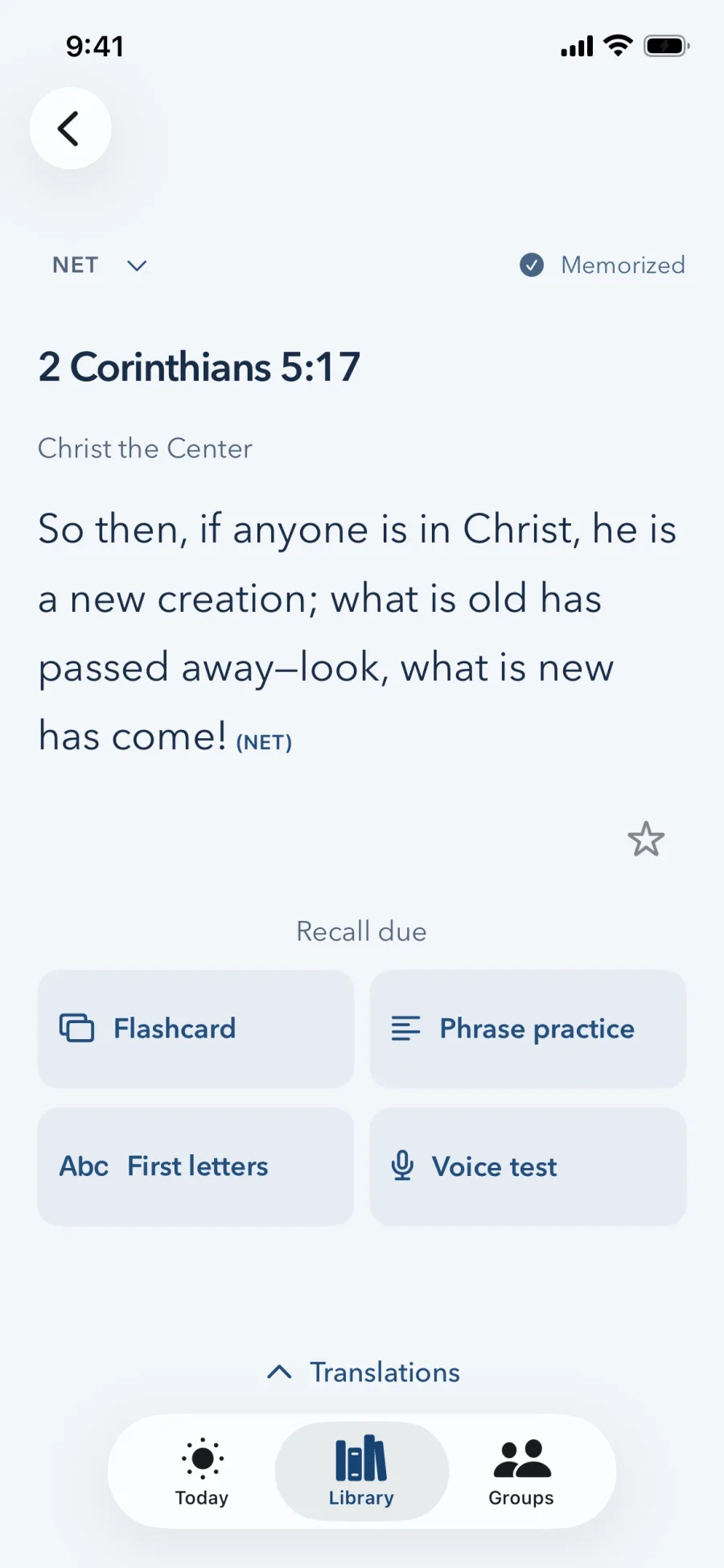
Use flashcards, phrase practice, first letters, voice testing, and audio reference to learn in the way that fits you.
Scheduled recall brings passages back after increasing intervals so familiarity can become lasting memory.
Four ways to work
Use one method from start to finish or move between them as you learn. Every tool stays available while you practice.
Flip between reference and passage. Touch the card whenever you want the other side.
Work through the passage in short phrases, revealing help only when you choose.
Use an initial-letter skeleton as a lighter cue before moving back to the full text.
Speak from memory. On-device transcription compares key words and shows the result without saving your audio.
Audio reference
Licensed ESV recordings accompany the 60 Navigator passages, giving you a clear reference before you test yourself from memory.
How it works
Beginner-friendly without forcing anyone through a course. Start with the amount of guidance you want, then move directly into the work of remembering.
Start with Navigator TMS, a Bible topic, your favorites, or a passage you already know.
Use one of the four methods or listen to the ESV audio reference.
Use the on-device voice test or an honest private self-check when you are ready.
Recall comes back after 1, 3, 7, 16, and 35 days to strengthen long-term memory.
Inside the app
Thoughtful hierarchy, restrained color, and readable Scripture at every step.
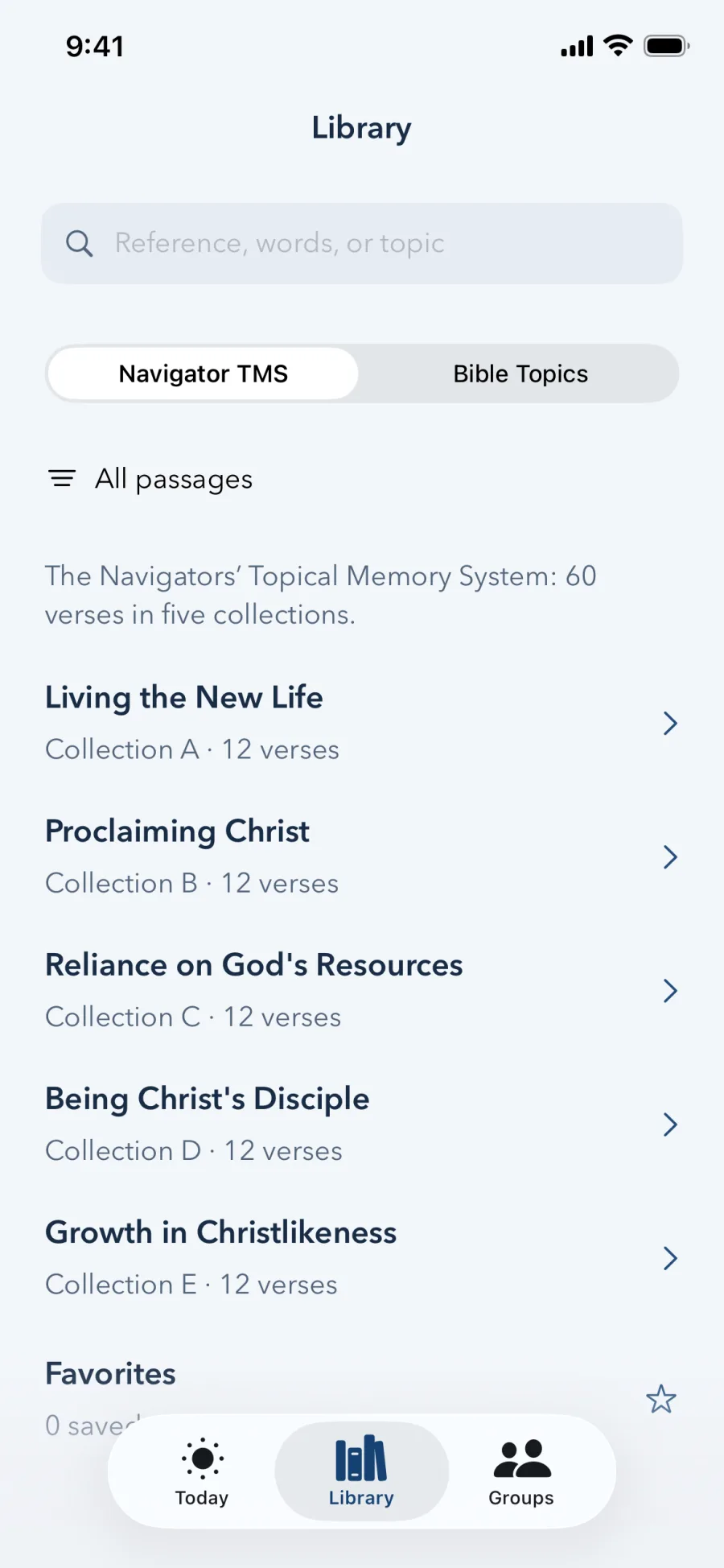
Screenshots use sample practice data. Scripture shown is from the NET Bible.
Translation-aware
Navigator passages support NET, ESV, NASB 2020, and NASB 1995. Topics support NET and the available NASB editions, with clear labels and publisher attribution.
Hold the Word is a curated memorization library, not a complete Bible. Translation availability is limited by publisher permissions and catalog scope.
Progress without a performance score
Started, practiced with hints, tried from memory, and memorized.
Passages return after 1, 3, 7, 16, and 35 days, with progress tracked over time.
Review active days, sessions, and completed passages without a combined “memory score.”
Optional private iCloud progress sync is off by default. The app has no analytics.
Optional community
Join a code-based group and compare weekly practice without rankings or a combined score. Sharing comparison totals is private by default and requires a preview before you enable it.
Free forever
Every feature is 100% free and will stay free. There are no ads, subscriptions, or paid feature gates. Hold the Word is in final testing for iPhone and iPad; the TestFlight and App Store links will appear here when available.
Questions
Yes. Every feature is 100% free and will remain free. There are no ads, subscriptions, or paid feature gates.
Yes. Start with a flashcard, phrase practice, first letters, or audio, then move to voice testing whenever you are ready. There is no required course.
No. It is a curated memorization library built around Navigator TMS collections and selected Bible topics.
No. Voice test uses on-device speech recognition and stores the transcribed text needed for the exercise, not your audio.
No. Core practice and progress work without an account. CloudKit Groups and private progress sync are optional.